01
Upload photos and choose a mode
Add your performers and choose what guides their performance.
- Creation mode:
- Hotel Lobby (default), Use your own video or Use your own audio. The two shortcut links open the matching upload controls.
- Photo mode and roles:
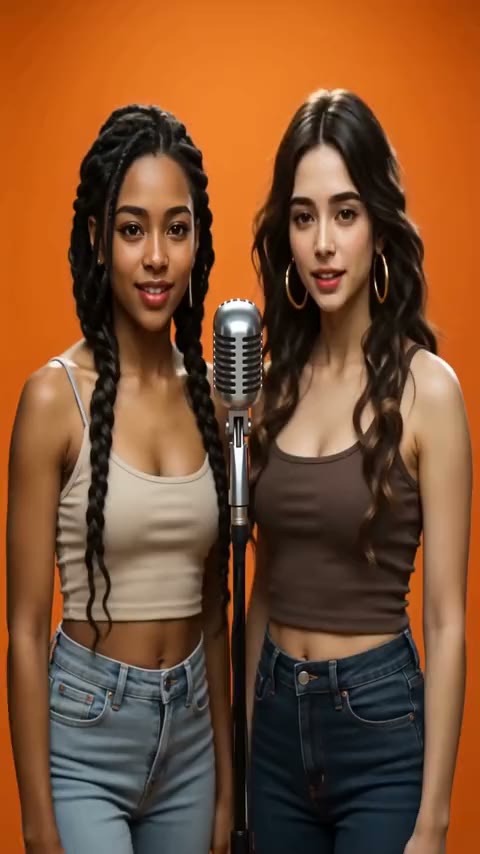
- Two separate photos (default) assign one photo to each left/right role. One photo together is split into left and right portraits automatically.
- Photo upload and editing:
- Click or drag and drop JPG, PNG or WebP photos, up to 10 MB each. Preview, replace or remove either photo.
- Your own video:
- MP4 or WebM, up to 10 MB, guides the scene and motion. This mode hides built-in stages; the original soundtrack is not guaranteed.
- Your own audio:
- MP3, WAV, M4A or OGG, up to 10 MB, replaces the stage’s audio reference while retaining its video reference; it is not direct soundtrack replacement.
- Reference file controls:
- Check the selected filename and size, replace the file or remove it. Your uploaded video also has a preview.